Key points
- ZPL to PNG or PDF is for viewing, proofs and archives; render at printer resolution for sharp barcodes.
- Images and PDFs become ZPL through ^GF graphic fields, which print as bitmaps rather than text.
- Z64 compression keeps converted graphics small; hex is larger but readable.
- Convert locally when labels contain personal data.
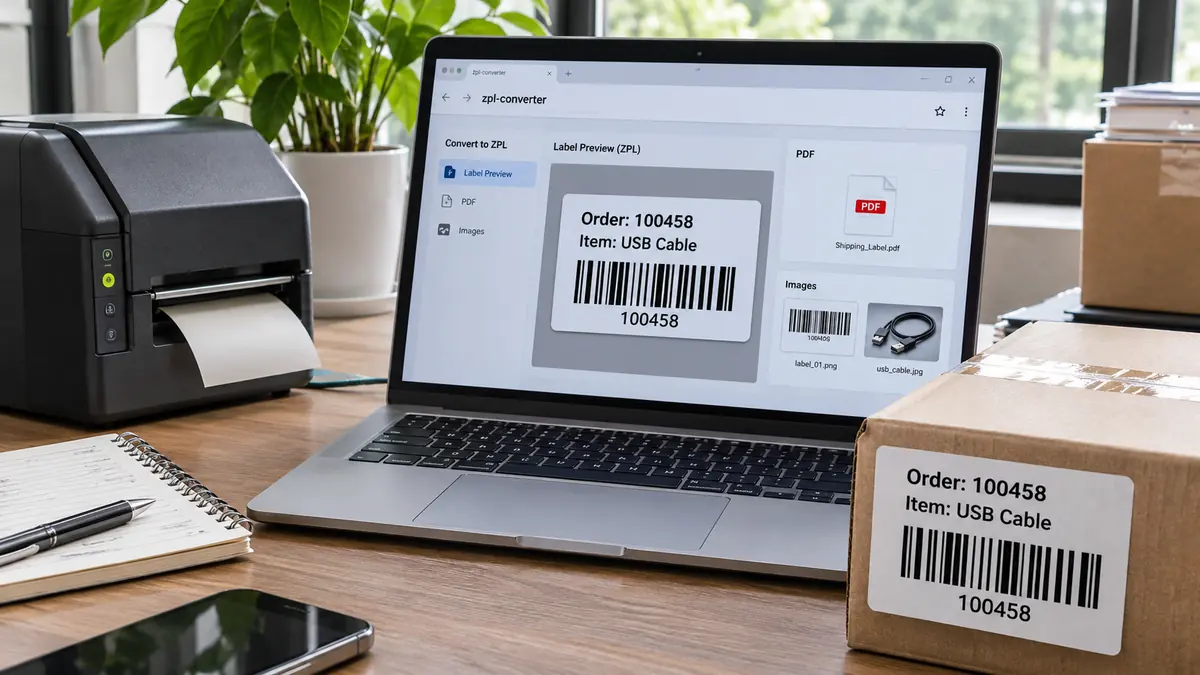
A ZPL converter can mean two opposite things. Some convert ZPL out to a viewable format such as PNG or PDF. Others convert images and PDFs in to ZPL so a Zebra printer can print them. Knowing which direction you need, and what you lose along the way, avoids most conversion disappointments.
The conversion map
| Conversion | Typical use | What to watch |
|---|---|---|
| ZPL to PNG | Screenshots for tickets, web previews, documentation | Render at printer dots, not screen size |
| ZPL to PDF | Proofs, archives, printing on office printers | Page size equal to label size; print at 100 percent |
| Image to ZPL | Logos, icons, certification marks | Black and white threshold, size in dots |
| PDF to ZPL | Carrier labels delivered as PDF, documents | Every page becomes one large bitmap |
Converting ZPL to PNG and PDF
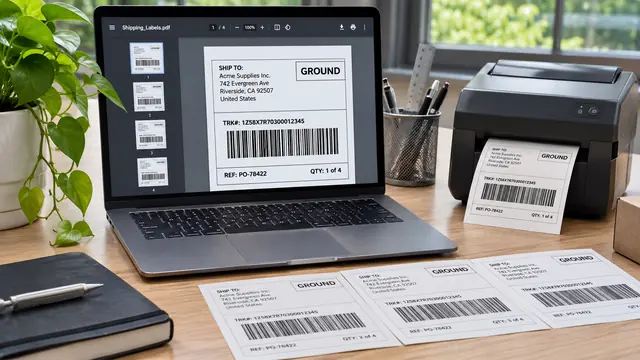
Our ZPL Viewer converts out in both formats. PNG saves the label you are looking at; PDF saves every label in the file, one per page, sized to the label. Both are produced at full printer resolution, so a 4 x 6 inch label at 203 dpi becomes an 812 x 1218 pixel image. Step by step guides: ZPL to PNG and ZPL to PDF.
^XA
^PW812
^LL406
^FO30,30^GB752,346,4,B,1^FS
^FO60,60^A0N,40,40^FDZPL > PNG > PDF^FS
^FO60,115^FH^A0N,28,28^FDImage > _5EGF > ZPL^FS
^FO60,170^GB140,140,140,B,2^FS
^FO85,195^FR^GB90,90,90,B,8^FS
^BY2,3,110
^FO260,180^BCN,110,Y,N,N^FDCONVERT-01^FS
^XZ
Converting images and PDFs to ZPL
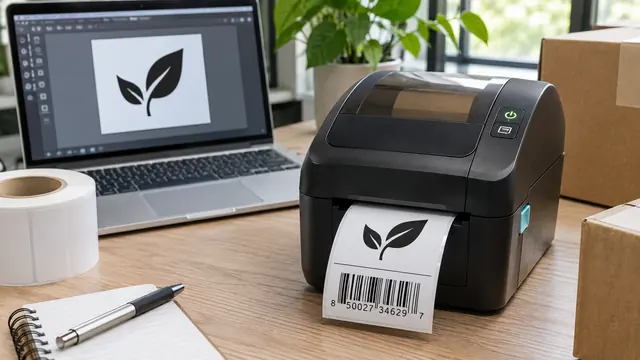
Zebra printers print images through graphic fields. The ^GF command carries a bitmap where each bit is one printer dot: 1 for black, 0 for white. Converting an image therefore involves four steps:
- Resize the image to the number of dots you want it to occupy.
- Convert to black and white using a threshold or dithering. Thermal printers cannot print grey.
- Pack bits into bytes, row by row, padding each row to a whole number of bytes.
- Encode as ASCII hex, compressed hex or Z64 (zlib compressed and Base64 encoded).
Converted graphics are pictures, so text inside them cannot be edited or searched, and they scale poorly if the printer resolution changes. Keep logos as graphics and keep text and barcodes as native ZPL wherever possible. Our guide to adding images and logos shows the format in detail.
A note on PDF to ZPL
Some carriers provide labels as PDF while your printers only speak ZPL. Converting each page to a ^GF bitmap works, but barcodes become part of the picture. Render the PDF at exactly the printer's resolution so bar widths land on whole dots; resampling a 72 dpi rendering up to 203 dpi produces uneven bars that may not scan. If the carrier offers ZPL directly, request it instead.
Privacy and accuracy
Many online converters upload your file to a server. That is fine for a logo, but shipping labels contain personal data. Prefer tools that convert locally, such as our viewer for ZPL to PNG and PDF, or open source libraries you run yourself, which we discuss in ZPL projects on GitHub. Whatever you use, scan the barcodes in the converted output before trusting it.
Preview this in the ZPL Viewer
Paste your code, pick the label size and density, then check every field before you print.
Frequently asked questions
Can I convert ZPL to an editable format like SVG or Word?
Not reliably. ZPL describes printer dots and printer fonts, so most converters produce bitmaps such as PNG or PDF. For editing, keep the ZPL and use an editor with a live preview.
Why is my converted logo blurry or blotchy?
Thermal printers print pure black or white dots. Choose a sensible threshold, size the image to exact dots and avoid gradients in the source.
What is Z64 in ZPL?
Z64 is a ^GF data format where the bitmap is compressed with zlib and then Base64 encoded, with a CRC at the end. It is much smaller than plain hex.
Is converting PDF labels to ZPL safe for carrier labels?
It can work if rendered at the exact printer resolution, but native ZPL from the carrier is more reliable. Always scan test prints.
Sources and further reading

Written by the ZPL Viewer Editorial Team
We build and maintain the ZPL Viewer rendering engine and write these guides from real testing of label code. Every example in this article was rendered in our viewer before publishing. Read more about how we work.