Viewer Guides
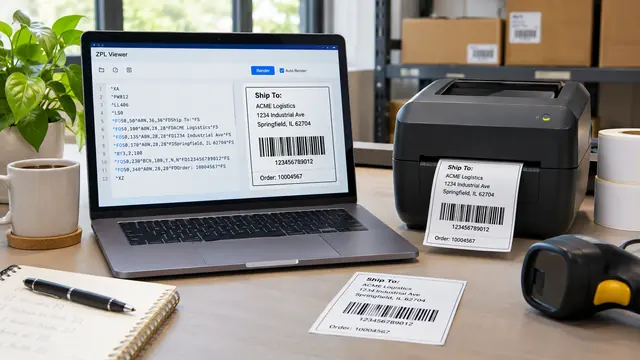
ZPL Viewer: The Complete Guide to Previewing Zebra Labels
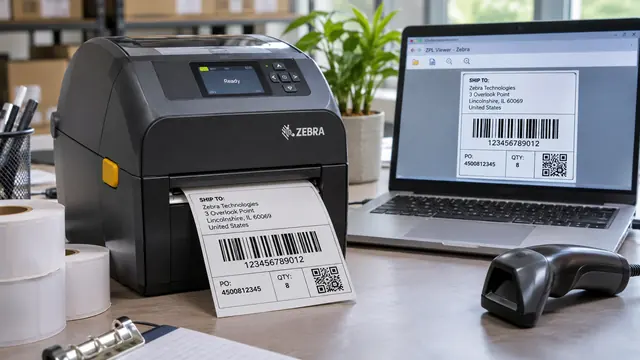
Everything you need to know about previewing ZPL: how a viewer interprets the code, which settings must match your printer and how to read the results.
Read articlePractical, tested guides for anyone who writes, reviews or prints ZPL. Every example opens in our free ZPL viewer, so you can change a value and see the result immediately.
Showing 1 to 9 of 24 articles
Everything you need to know about previewing ZPL: how a viewer interprets the code, which settings must match your printer and how to read the results.
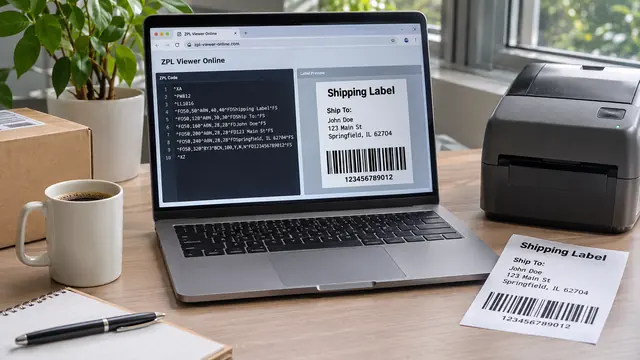
Read articleA practical walkthrough of previewing ZPL in your browser, from pasting code and choosing settings to fixing warnings and exporting a proof.
Read articleBefore you install anything, compare the four ways to view ZPL: browser tools, desktop apps, printer emulators and developer libraries.
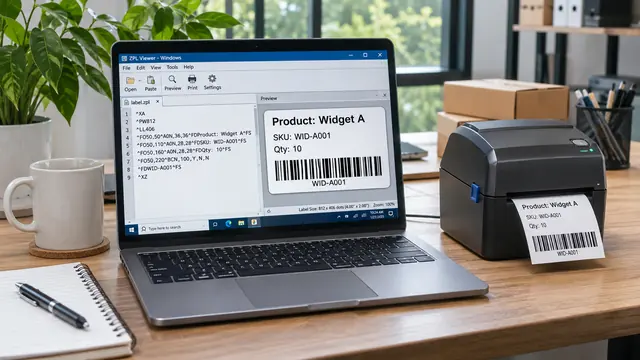
Read articleOpen and preview ZPL on Windows 10 and 11 without installing anything, then send the file to a Zebra printer the right way.
Read articleA preview is only accurate when it matches the printer. Find your Zebra model’s resolution, stored settings and fonts, and set the viewer to match.
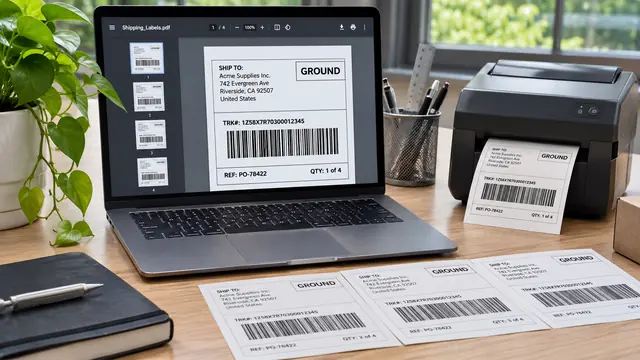
Read articleTurn ZPL into a PDF with one page per label at the exact label size, then print it on a laser printer or archive it as a proof.
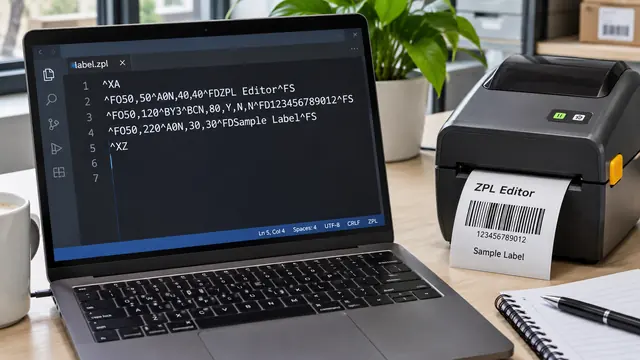
Read articleHabits and tools that make ZPL easier to write and much easier to debug, from comments and formatting to click to find code.
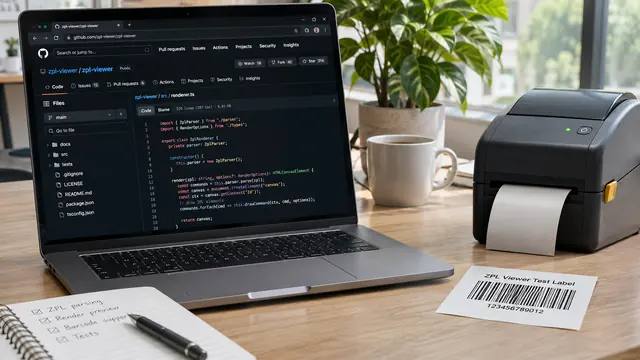
Read articleOpen source ZPL renderers can save weeks of work, if you choose carefully. Here is how to evaluate a GitHub project before it handles real labels.
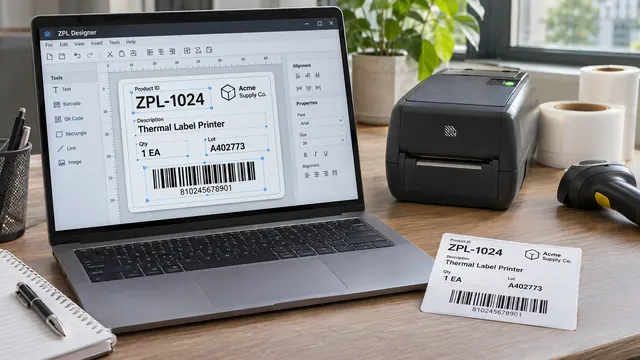
Read articleShould you drag and drop a label or write the ZPL yourself? A practical comparison, plus layout rules that work whichever way you design.
Read article