Key points
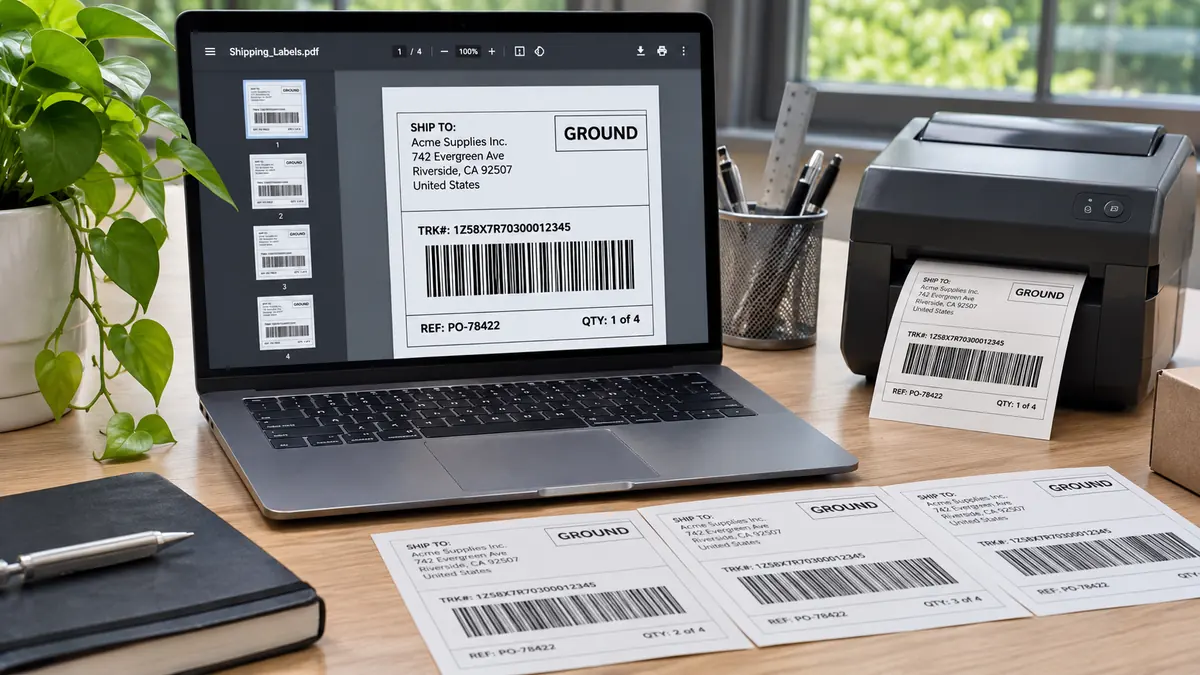
- Render the ZPL at the printer density, then export: every ^XA to ^XZ block becomes one PDF page.
- Page size should equal the label size so the PDF prints at 100 percent without scaling.
- Our PDF export stores each label as a 1 bit image at printer resolution, so barcodes stay sharp.
- When printing a PDF, turn off "fit to page" or barcodes may shrink below scanner tolerance.
PDF is the universal way to share a label. A customer can approve it, a carrier can archive it and a colleague without a Zebra printer can print it on an office laser printer. Converting ZPL to PDF sounds simple, but a careless conversion produces blurry barcodes or labels scaled to the wrong size. Here is how to do it properly.
How to convert ZPL to PDF in the browser
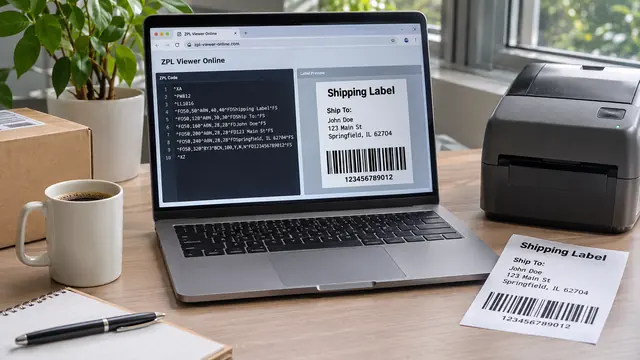
- Open the ZPL Viewer and paste your code or open the file.
- Set the density to match the code (8 dpmm for typical 203 dpi labels) and the label size, for example 4 x 6 in.
- Review each label with the arrows above the preview. Fix anything that looks wrong first.
- Click PDF (all labels). The file downloads with one page per label.
Because conversion happens on your device, it also works for confidential shipping data that should not be uploaded to an online converter.
^XA
^PW812
^LL1218
^FO40,40^GB732,1138,4,B,1^FS
^FO80,80^A0N,60,60^FDPacking Slip Proof^FS
^FO80,170^A0N,32,32^FDOrder: 104-2291-77^FS
^FO80,215^A0N,32,32^FDShip date: 2026-10-26^FS
^FO80,270^GB652,3,3^FS
^FO80,300^FB652,6,10,L^A0N,30,30^FD1 x Ceramic mug, blue\&2 x Coffee filter pack\&1 x Gift card^FS
^BY3,3,160
^FO80,560^BCN,160,Y,N,N^FD104229177^FS
^FO80,820^BQN,2,6^FDQA,https://zplviewer.org/zpl-to-pdf/^FS
^XZ
What makes a good ZPL to PDF conversion
Correct page size
Each PDF page should be exactly the label size: 4 x 6 inches is 288 x 432 points. Our export uses the width and height you set, and swaps them if you rotate the view, so the PDF matches the label you see.
Printer resolution, not screen resolution
A screenshot is usually 72 or 96 pixels per inch, far below a 203 dpi printer. Bars in a barcode then lose their exact widths. Our viewer renders at true printer dots and writes each label into the PDF as a 1 bit black and white image, compressed losslessly, so every bar keeps its width.
All labels, in order
Files from batch jobs often contain dozens of labels. Every ^XA to ^XZ block becomes its own page, in the same order as the file.
Printing a ZPL based PDF
When you print the PDF from a viewer such as Acrobat, Edge or Preview, choose Actual size or 100 percent. "Fit to page" shrinks a 4 x 6 label onto a letter sheet and can make narrow bars too thin to scan. If you print on a Zebra printer through its Windows driver, set the driver's paper size to the label size. For high volume printing on a Zebra, sending the original ZPL is still faster and sharper than printing a PDF; see how to send ZPL to a printer.
Converting many files
For an occasional batch, combine the labels into one file (each with its own ^XA and ^XZ) and export a single PDF. For automated pipelines, render inside your own software with a library, or use a rendering API if your data rules allow sending labels to a third party. Our ZPL converter guide compares these routes.
Common pitfalls
- Wrong density. A 300 dpi label converted at 203 dpi appears one and a half times too large and cut off.
- Unsupported barcodes. If the warnings tab says a symbology is a placeholder, the PDF will show the placeholder too. Verify those labels on a printer.
- Embedded fonts. Labels that rely on fonts stored in the printer, such as a downloaded TrueType font, render with a substitute.
- Large graphics. Very large
^GFimages convert fine but produce bigger PDFs. That is normal.
Need images instead? See ZPL to PNG for single label images.
Preview this in the ZPL Viewer
Paste your code, pick the label size and density, then check every field before you print.
Frequently asked questions
Is ZPL to PDF conversion free?
Yes. Our viewer converts ZPL to PDF for free with no account and no watermark, and the conversion runs on your own device.
Will the barcodes in the PDF scan?
Yes, as long as the PDF is printed at actual size. The labels are stored at printer resolution without lossy compression, so bar widths are preserved.
Can I convert a PDF back to ZPL?
Yes, by converting the page to a bitmap and storing it in a ^GF graphic field. The result prints as an image rather than editable text. See adding images to ZPL.
Why is my PDF page the wrong size?
The label size in the viewer did not match the label. Set the correct width, height and unit before exporting.
Sources and further reading

Written by the ZPL Viewer Editorial Team
We build and maintain the ZPL Viewer rendering engine and write these guides from real testing of label code. Every example in this article was rendered in our viewer before publishing. Read more about how we work.