Conversion
ZPL Converter Guide: PNG, PDF, Images and Back to ZPL
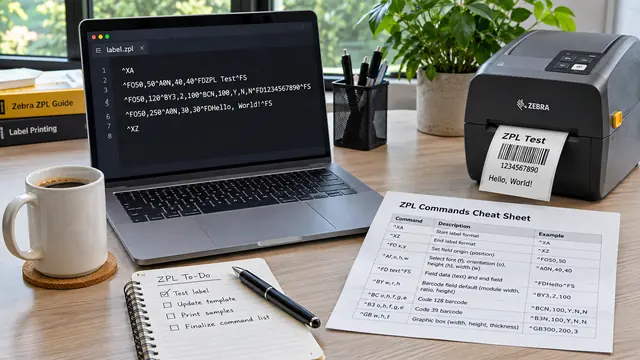
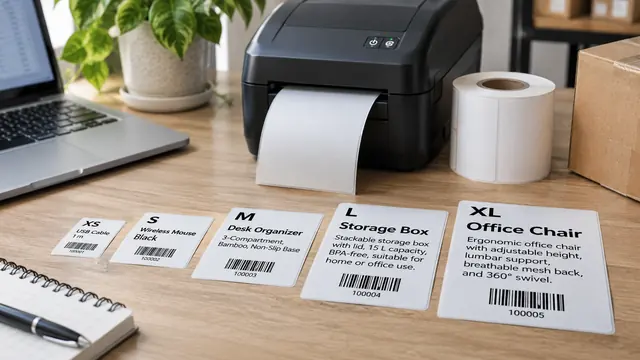
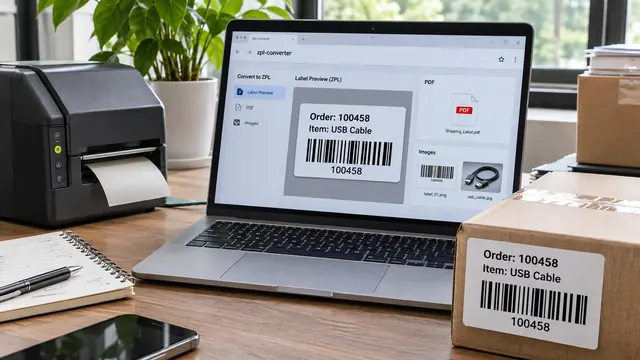
ZPL converts in two directions: to images and PDFs for viewing, and from images to graphic fields for printing. Here is what each conversion is good for.
Read articlePractical, tested guides for anyone who writes, reviews or prints ZPL. Every example opens in our free ZPL viewer, so you can change a value and see the result immediately.
Showing 10 to 18 of 24 articles
ZPL converts in two directions: to images and PDFs for viewing, and from images to graphic fields for printing. Here is what each conversion is good for.
Read articleThe ZPL commands that build almost every label, grouped by job, with syntax and a one line example for each.
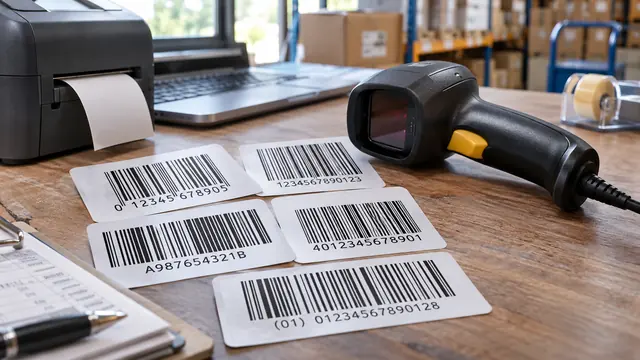
Read articleHow to size, encode and check linear barcodes in ZPL, with the details that decide whether a scanner reads them on the first try.
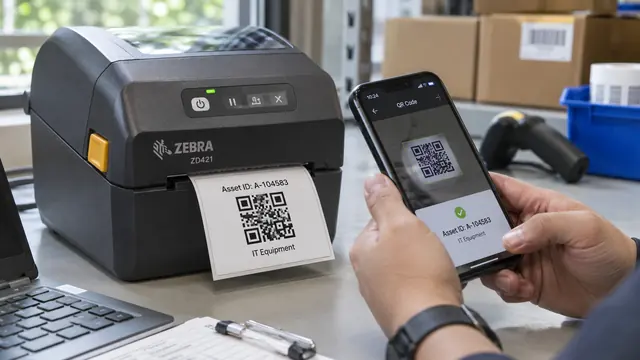
Read articleThe ^BQ command explained in plain terms, including the field data prefix that trips up almost everyone the first time.
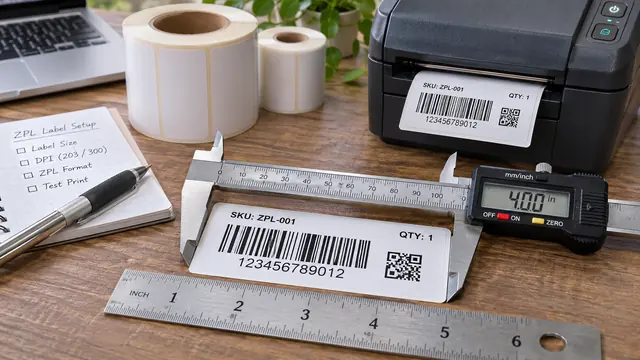
Read articleZPL measures everything in printer dots. Learn the conversions, the commands that set label size and the mistakes that make labels print too big or too small.
Read articleChoose and size fonts, set defaults, and wrap and align text with field blocks so labels look tidy at any data length.
Read articleFour graphic commands create every line, box and circle you need. Here is how each works and how to combine them with reverse printing.
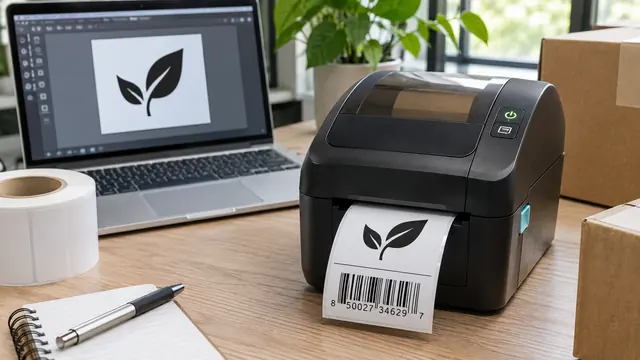
Read articleLogos and icons travel inside ZPL as bitmaps. Learn how ^GF works, how its compression schemes save space and how to prepare images that print cleanly.
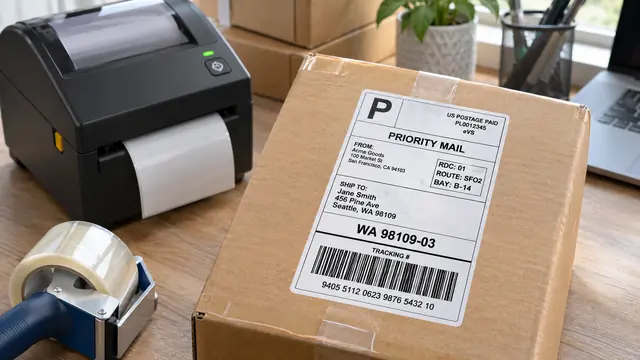
Read articleA complete, commented 4x6 shipping label built field by field, with the layout decisions that keep it readable and scannable.
Read article